Music
The song never stops. It just steps back.
When it’s your turn, the same track softens, like it’s playing in the next room. When AI gets back to work, it comes forward again. More sunset than light switch.
 Citrome
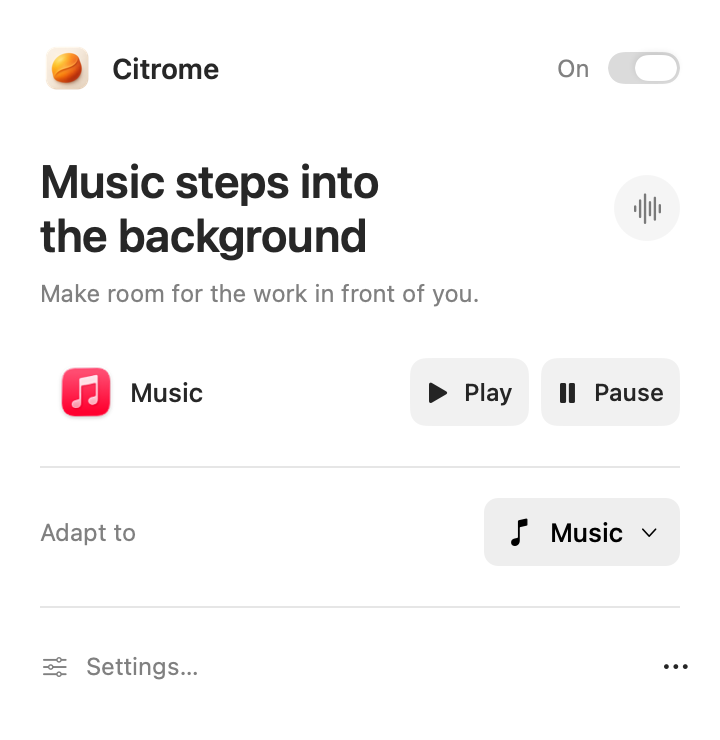
Listen to music, catch up on a podcast, or watch a video while AI works. When it needs you, Citrome lowers the music or pauses playback, then automatically brings it back when AI gets back to work.
Pick a mode once in the menu bar. That’s it.
When it’s your turn, the same track softens, like it’s playing in the next room. When AI gets back to work, it comes forward again. More sunset than light switch.
It pauses when it’s your turn. Hand the task back to AI and the show continues from the same sentence. No hunting for the player.
The picture pauses and your work comes to the front. Hand the task back and the player returns by itself and carries on.
When AI finishes a turn, you hear a soft chime and see a small notice at the top of the screen. Five seconds later, Citrome takes you back to your work. In the middle of something good? Click Later.
Play music, podcasts and videos in the apps you already use. Citrome lives in the menu bar and follows whatever is playing on your Mac.
 Codex
 Claude Code
 Cursor
Sound is processed live on your Mac. Nothing is stored, uploaded or transcribed.
The app collects no usage data and has no device identifier.
Pause Citrome from the menu bar whenever you like, and turn it back on just as easily.
No more pausing, turning the volume down, or switching windows by hand.
Download the Mac beta